Rental Car Return Directions
The ATL Rental Car Center is separate from the terminal. Driving returns use the RCC road network; airport arrivals use the ATL SkyTrain.
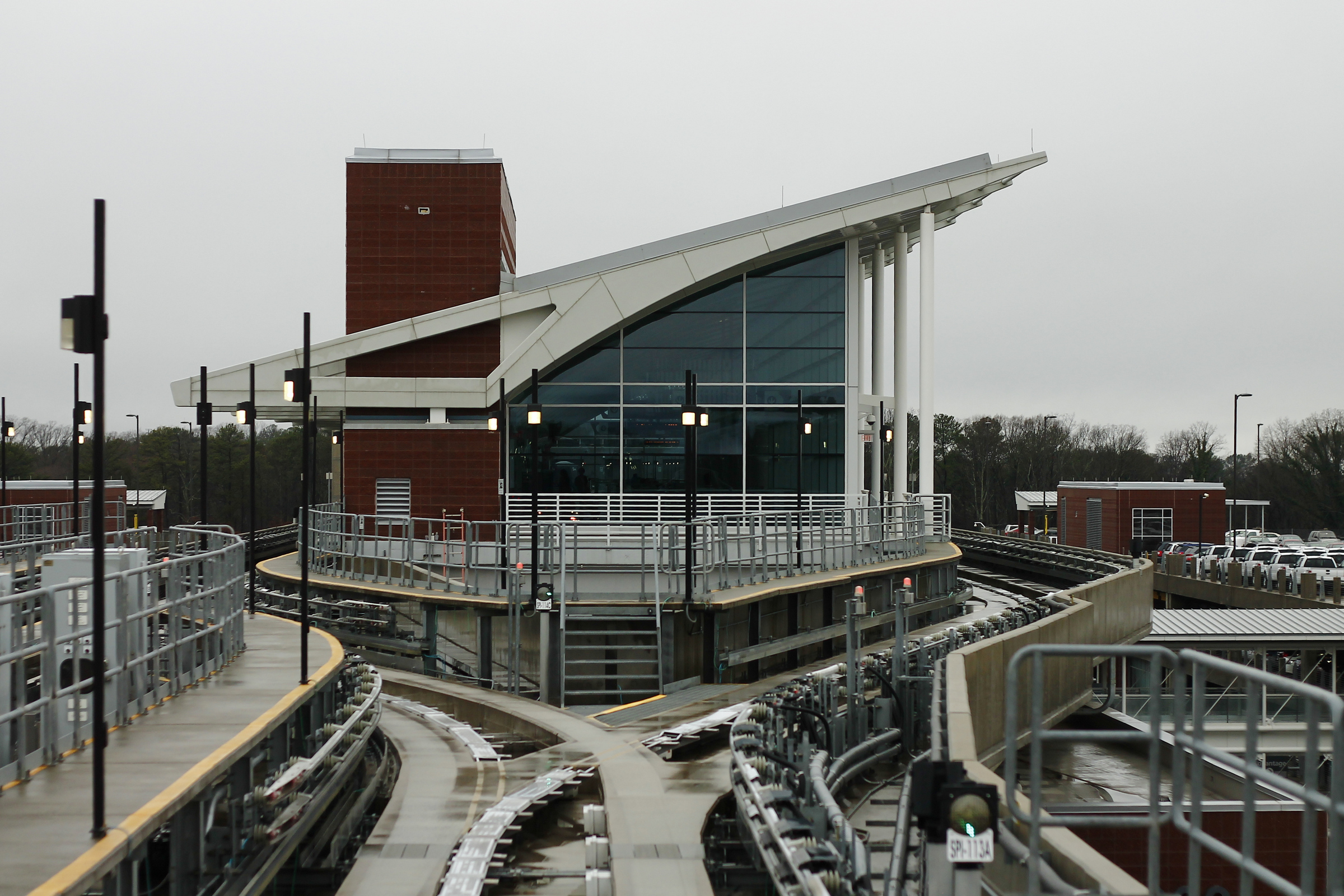
Photo reference: ATL Rental Car Center SkyTrain station.
1. Drive to the Rental Car Center
Use 2200 Rental Car Center Parkway, College Park, GA 30337. Follow airport roadway signs for Rental Car Return.
2. Choose your agency return lane
Inside the RCC, follow brand signage for Alamo, Avis, Budget, Dollar, Enterprise, Hertz, National, Sixt, Thrifty, Payless, or Fox.
3. Walk to the SkyTrain station
After closing the return, follow signs from the customer service plaza to the ATL SkyTrain platform.
4. Ride to the terminal
The ATL SkyTrain links the Rental Car Center with the airport terminal. No ticket is needed.
Driving approaches
From southbound I-85
Take the Atlanta Airport / Camp Creek Parkway exit 72, stay left toward Airport Boulevard, continue south, then follow Airport Boulevard to Jet Road and across the Rental Car Center bridge.
From northbound I-85
Take Atlanta Airport / Riverdale Road exit 71, stay right to Terminal Parkway, merge to South Terminal Parkway, turn right onto Crosswind Road, then cross the Rental Car Center bridge.
From I-285
Connect to I-85 North at exit 61, then follow the northbound I-85 / Riverdale Road path to Terminal Parkway, Crosswind Road, and the RCC bridge.
From the terminal
Walk out of the west end of the terminal under the covered walkway, go up to the ATL SkyTrain station, and ride to the Rental Car Center.
Frequently Asked Questions
Everything travelers need to know before using the ATL Rental Car Center.
17 answers